Solutions · Flyers and posters
AI flyer, poster and brochure maker that uses your brand
Wonib’s flyer and poster maker writes and lays out flyers, posters, leaflets, postcards, menus, coupons and invitations in your brand’s colours and fonts, in sizes from A6 to A1. It gives a print PDF with bleed and crop marks or a light PDF for screens. It suits shops, cafes, events and anyone who prints locally.
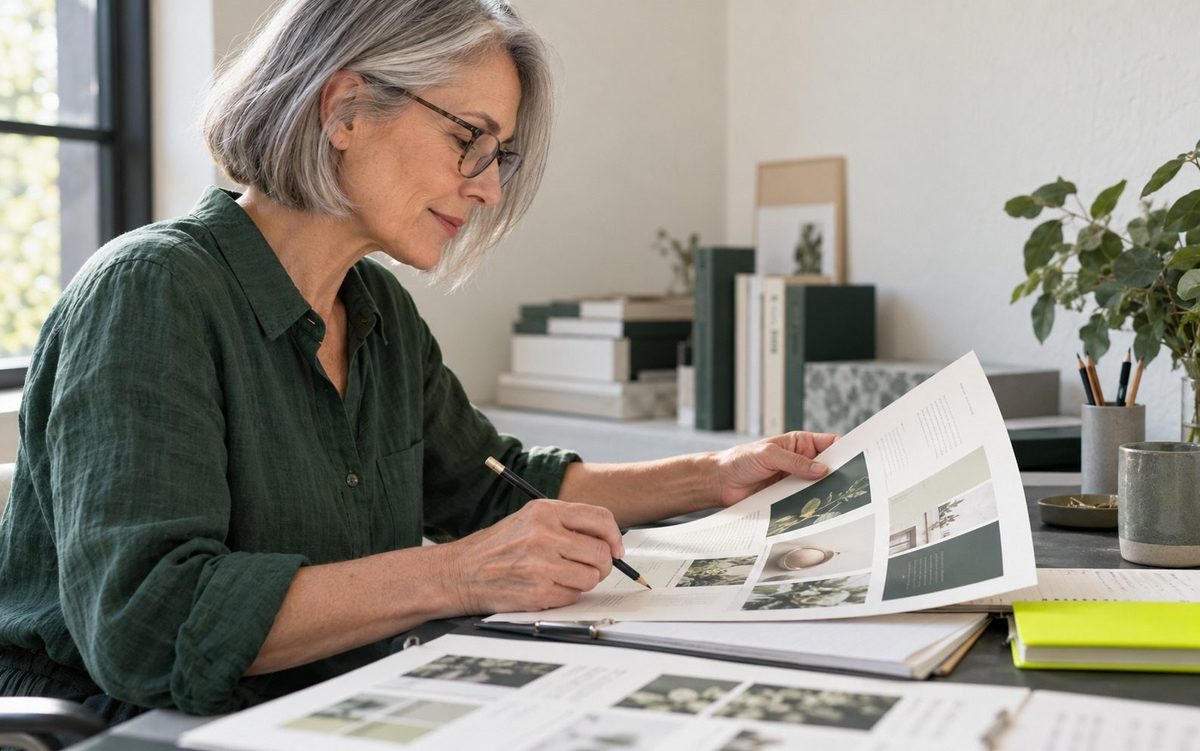
Flyers and posters at a glance
| Sizes | From A6 and DL up to A1 and 24 × 36 inch posters, portrait or landscape |
|---|---|
| File types | A print PDF with 3 mm bleed and crop marks, or a digital PDF with links |
| Designs | Three for each piece |
| Print check | A warning when a photo would print below 200 dpi |
| Limits | Rectangular pages only; you send the PDF to the print shop yourself |
How it works
How to make a print-ready flyer or poster
- 01
Pick the kind and the size
Choose flyer, poster, tri-fold leaflet, postcard, menu, coupon or invitation, then a size: A6, A5, A4, DL, a rack card, or poster sizes up to A1 and 24 × 36 inches. Choose portrait or landscape.
- 02
Choose print or digital
Print adds 3 mm of bleed on every side and crop marks, on a sheet labelled with the trim size. Digital gives a lighter PDF whose links can be clicked, for sending by chat app or email.
- 03
Give the details
Type what it is for and paste the facts exactly as they should appear: dates, address, prices, the offer. Details come only from what you give. Choose photos in your brand’s style, or no photos at all.
- 04
Choose a design and check it
Pick one of three designs. Wonib reports whether all the text fits and, for print, whether any photo falls below 200 dpi at that size, which matters most on large posters.
- 05
Download
Download the PDF and send it to the printer, or share it on screen. Read every date, price and phone number once more before printing; those come from you, and a reprint is costly.
What you get
- A print PDF with 3 mm bleed, crop marks and a label line showing the trim size
- A digital PDF with clickable links
- Sizes from A6 and DL up to A1 and 24 × 36 inch posters
- Portrait or landscape pages
- Three designs per piece
- A warning when a photo would print below 200 dpi
- Your logo, colours and fonts on the page
Good for
- A cafe or shop that needs this week’s offer in the window by tomorrow
- An event that needs a poster, a flyer and an invitation that match
- A menu or price list that changes often and is reprinted each time
Not for
- It does not print or deliver: you send the PDF to a print shop yourself
- It does not make die-cut or custom-shaped pieces; pages are rectangles in the listed sizes
Compared with doing it by hand, or in a general AI chat
By hand you open a design app, pick a template, replace its text and hope the export has what the printer asked for. A general AI chat tool can write a flyer’s words and paint a poster-like picture, but lettering painted inside a picture cannot be edited afterwards, and a picture has no bleed. Here the text is real type on a real page, at a true print size, in your brand.
Questions people ask
What size is a standard flyer?
There is no single standard. Small handouts are often A5 or A6, door drops DL, and noticeboard flyers A4 or US Letter. Wonib offers all of these, along with rack cards and postcards. Ask your print shop which sizes it prices best before you settle on one.
What does print-ready mean?
A print-ready file is one a print shop can run without fixing: the right page size, colour and photos extended past the edge as bleed, crop marks showing where to cut, and pictures sharp enough at that size. Wonib’s Print option adds the bleed and marks and warns about soft photos.
Can I make a poster for WhatsApp instead of print?
Yes. Choose Digital and the PDF is lighter and made for screens. If you want an image instead of a PDF, make the offer as a social post in the WhatsApp status size, 1080 × 1920, which gives you a PNG you can send or post directly.
How do I make a poster that prints sharply at a large size?
Large prints need large pictures. A photo that looks fine on screen can turn soft at A1. Wonib works out the resolution each photo will have at the size you picked and warns when one falls below 200 dpi, so you can change it before paying for the print.
Is there a free flyer maker with my own branding?
You can start in Wonib without paying: new accounts get 1,000 free credits and are not asked for a card. Your brand is read from your website first, so the flyer uses your colours, fonts and logo. Later, credits are bought as needed, and paid credits do not run out with time.
Is it ready for a print shop?
Choose Print: Wonib adds bleed and crop marks in the size you pick. Choose Digital for a lighter file to share on screens.
Can I make a menu or a price list?
Yes, both are kinds of their own. Paste your items and prices and Wonib keeps them exactly as you wrote them.
Can I use my own photos?
Yes. Attach them, let Wonib paint new ones in your style, or choose no photos.
Does it work in my language?
Yes. Wonib writes in more than 40 languages, in your brand’s voice.
Related
Last updated