Solutions · Email newsletters
AI email newsletter maker, designed in your brand
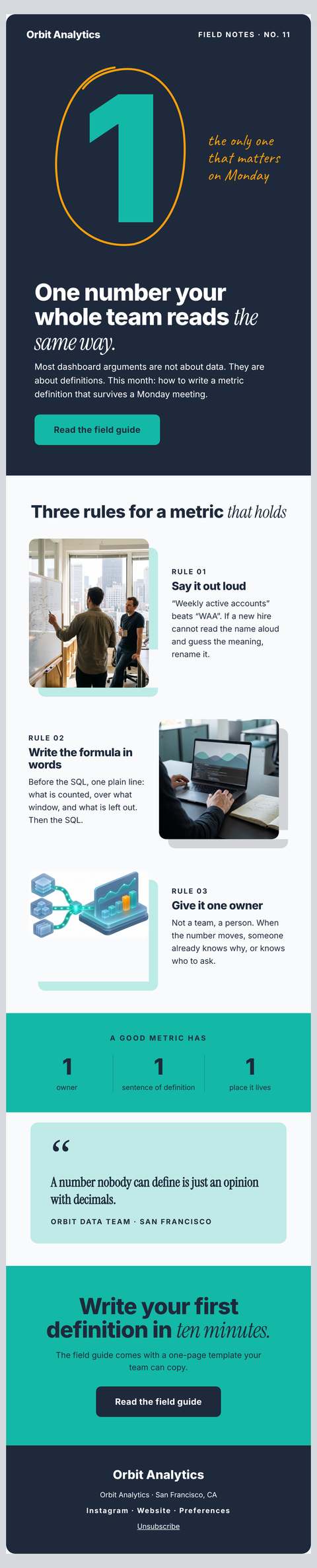
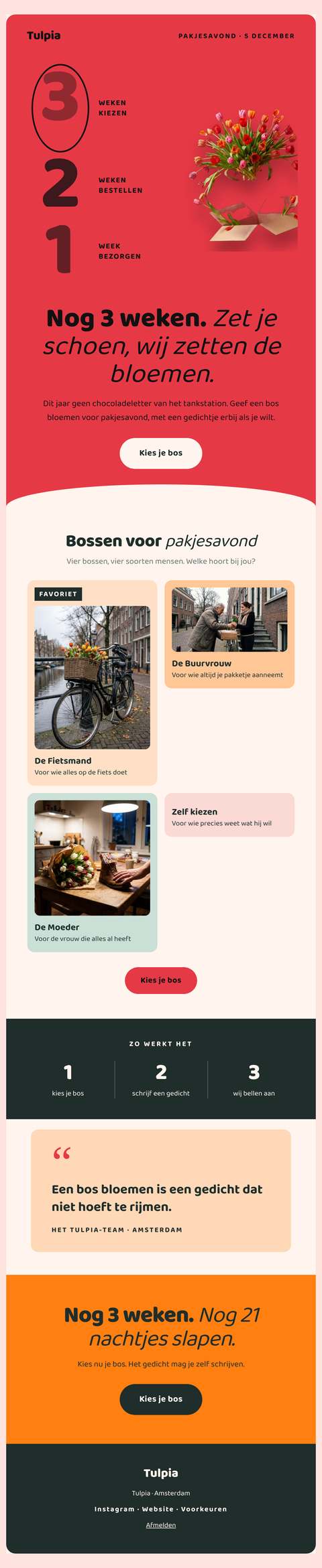
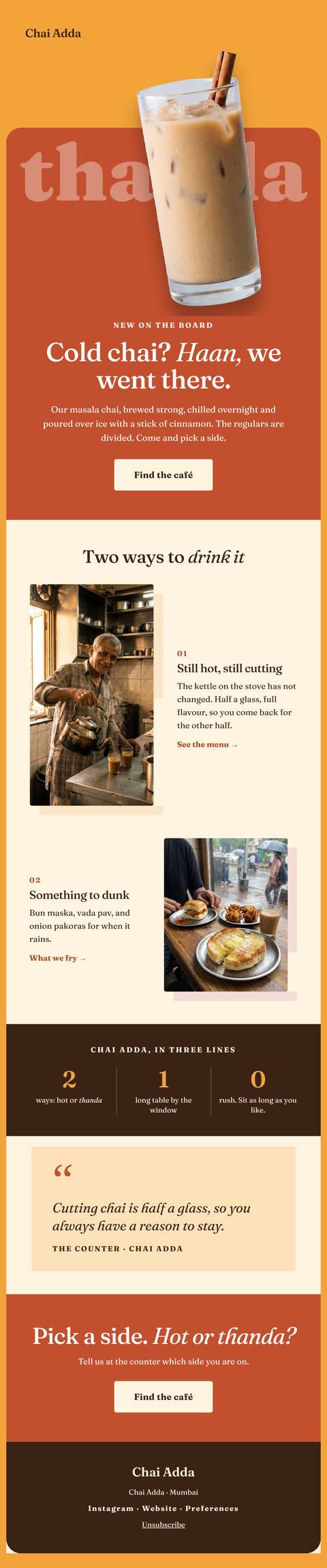
Wonib’s email newsletter maker writes a newsletter in a brand’s voice and draws it as a designed email: subject, inbox preview line, headline, short sections, one main button and a sign-off, in the brand’s colour. You copy or download the HTML and send it from your own email tool. It suits small teams with a mailing list.
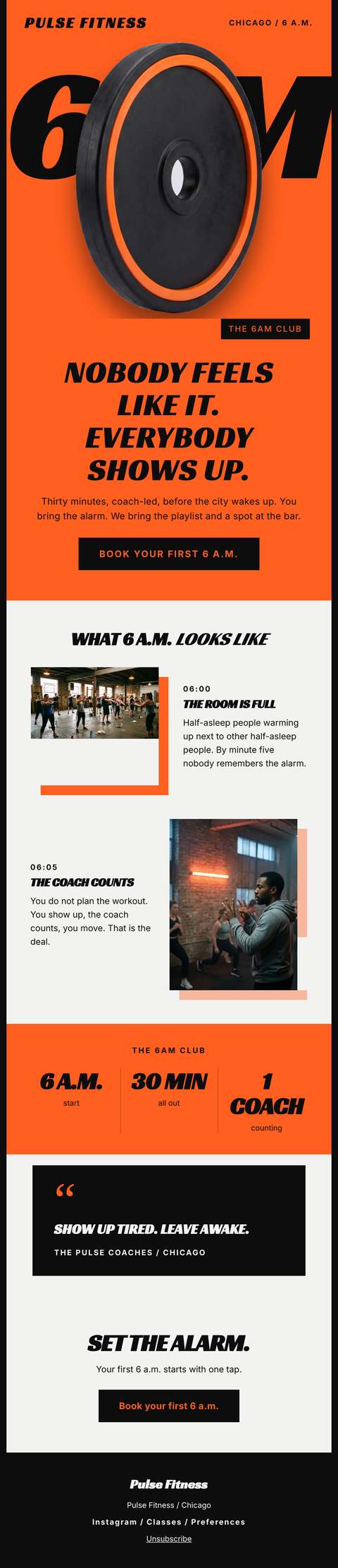
More made with Wonib

Email newsletters at a glance
| What it makes | A designed HTML email in one 600 px column, with a plain-text version |
|---|---|
| Subject | 30 to 50 characters, with an inbox preview line |
| Length | About 180 or 350 words in the body |
| Kinds | News and updates, a launch or offer, an invitation, a round-up of articles, a welcome |
| Sending | From your own email tool; a test goes only to your own address |
How it works
How to make an email newsletter in your brand
- 01
Choose the kind of email
Pick news and updates, a launch or an offer, an invitation, a round-up of articles or a welcome. Choose short or standard length, about 180 or 350 words in the body, and the language to write in.
- 02
Give the content and the links
Say what this issue is about and paste the details: what changed, dates, the offer, the addresses the buttons should open. A link is used only if you give it, and nothing is invented to fill a gap.
- 03
Read the designed email and its checks
The email appears as it will look: one 600 px column with a band and button in the brand’s main colour. Checks cover subject length, the preview line, words spam filters look for, missing button links and figures not in your notes.
- 04
Edit
Open the editor to change any part: the subject, a section, a button’s label or its link. The design is drawn again from your words each time, so the layout holds however much you edit.
- 05
Send yourself a test
Send a test to your own address to see the email in a real inbox, on your phone and your computer. Tests go only to you, never to anyone else, and a few can be sent each day.
- 06
Send it from your own tool
Copy the designed email, which carries a plain-text version with it, or download the HTML. Paste it into the email service that holds your list. That service adds the unsubscribe link and does the sending.
What you get
- A subject line of 30 to 50 characters and an inbox preview line
- A designed HTML email in one 600 px column
- A band and button in the brand’s main colour, with readable text on them
- A plain-text version alongside the designed one
- A main button that is a real link
- A test send to your own address
- Checks on subject, spam-trigger words, links and unsupported figures
Good for
- A monthly update to customers from a team with no email designer
- A launch or event announcement that should match the brand
- A welcome email for new sign-ups
Not for
- It does not send to a mailing list or store contacts: you send from your own email service
- The email has no unsubscribe link of its own; the service that holds your list adds it
Compared with doing it by hand, or in a general AI chat
By hand you write the issue, then wrestle an email builder until it looks right on a phone. A general AI chat tool can write the words, and perhaps some HTML, but email code that holds its shape across inboxes is fussy, and brand colours are guesswork. Here the words come from the writer and the design from one fixed layout in your brand, so editing the text cannot break the email.
Questions people ask
Can AI write and design an email newsletter?
Yes. Wonib writes the subject, preview line, headline, sections, button and sign-off, then draws them as an HTML email in your brand’s colour. The writing is done by the AI; the layout is a fixed design, so it does not vary from issue to issue or break when you edit the words.
How long should a newsletter subject line be?
Short enough to show whole on a phone. Wonib writes subjects of 30 to 50 characters in sentence case, with no capitals for emphasis and no exclamation marks, and checks the result. The preview line beside it adds to the subject instead of repeating it, in 50 to 100 characters.
Can it send the newsletter to my subscribers?
No, by design. Wonib makes the email and your own email service sends it. Copy the designed email or download the HTML and paste it into that service, which holds your list, adds the unsubscribe link and handles delivery. Wonib only ever sends a test, and only to your own address.
How do I keep a newsletter out of the spam folder?
Much of it depends on your sending service and your list, which Wonib does not control. What the email itself can do is avoid the wording filters look for. Wonib checks the subject for trigger words such as “act now” or “guaranteed”, for capitals and for exclamation marks.
What should a newsletter include?
One clear reason to open, then a few short items, each saying what changed and why the reader should care, and one main button. People read email on a phone between other things, so short paragraphs matter more than polish. Wonib’s standard issue is about 350 words in two to four sections.
Does Wonib send the newsletter to my list?
No. Wonib writes and designs the email; you send it from your own email tool, which adds its unsubscribe link. A test goes to your own address only.
Will it look right in Gmail and Outlook?
It is drawn the way email needs: one column, fonts every device has and a button that is a real link, so it holds its shape. Inboxes each draw email a little differently, so send yourself a test before a big send.
Can I use it in Mailchimp, Klaviyo or Brevo?
Yes. Download the HTML and paste it into your email tool.
What does it cost?
An email costs 100 credits. Editing it, drawing it again and tests cost nothing.
Related
Last updated